Product image search
Given an EAN code, it finds the product photo on Open Products Facts, eBay and Brave Search, and checks that it suits a catalogue (white background, enough resolution).
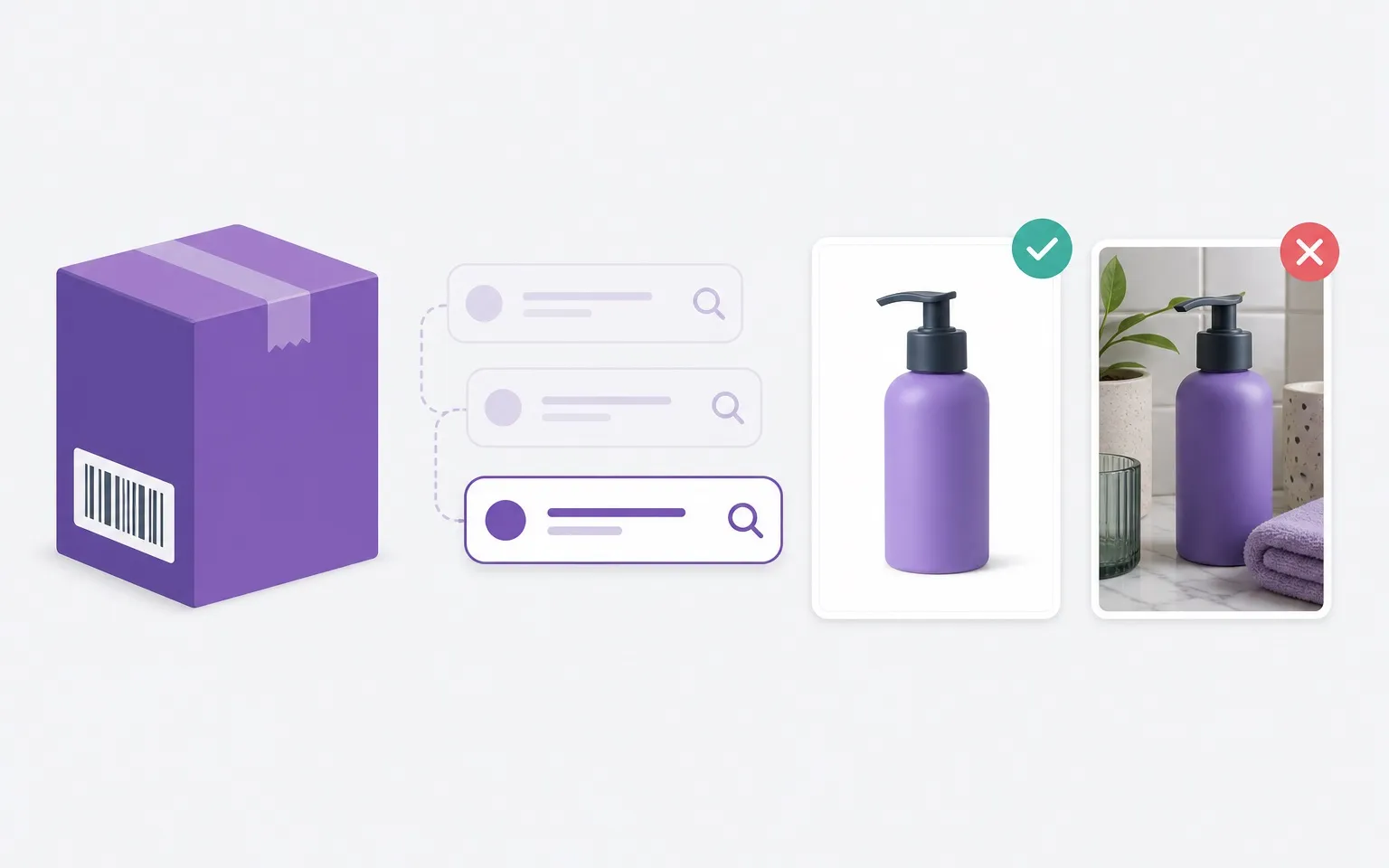
A catalogue with thousands of products and no photos does not sell, and finding them one by one by hand does not scale. This script starts from the barcode and finds a usable image on its own.
How it works
Each EAN goes through three sources in cascade, from the cheapest to the most expensive, and stops at the first one that finds an image:
- Open Products Facts, read from a local dump: no network calls and no limits;
- eBay Browse API, with a generous quota;
- Brave Search, paid, used only for the products no other source could find.
Quality checks
Every downloaded image is checked: it must pass a minimum file size (below it, it is almost always a placeholder), a minimum resolution and a background analysis. The script samples the outer frame of the photo and tells a white, near-white, transparent or plain light background, all accepted, from lifestyle shots or collages, which need a human look.
It runs on its own over a list of EANs and returns the images named after their code, ready to import. It is also built into the CRM → WooCommerce connector, so every new product goes online with its photo already in place.